

Most AI tools hand you a first draft and call it done. A first draft is the easy part. The hard part is the loop — drafting, critiquing, fixing, producing, and shipping — and that's exactly what the in-app content coach runs for you.
Why a loop beats a draft
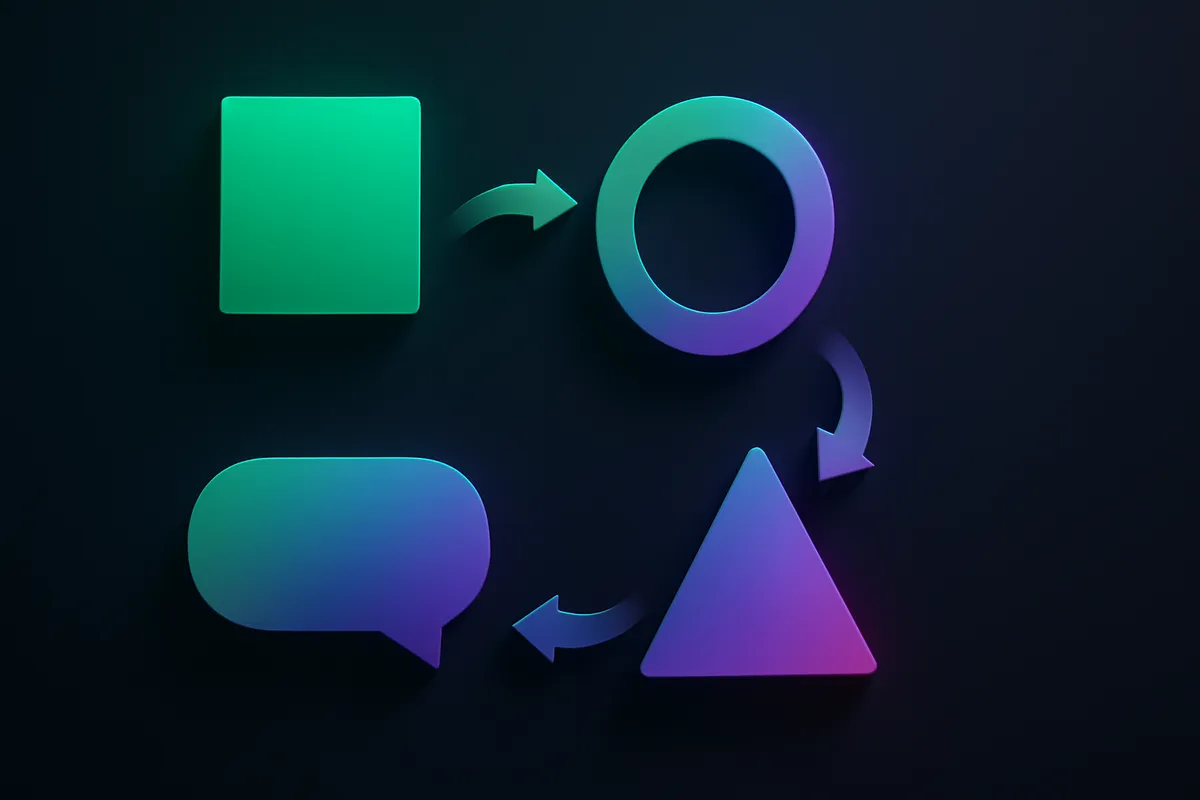
A single generation gives you something passable. A loop gives you something good. The coach doesn't stop at the first output; it puts every post through an editor before you ever see "ready." Here's the cycle.
Write
You describe the idea — a product, a promo, a topic — and the post-writer drafts a platform-aware post: a scroll-stopping hook, a tight body, a clear CTA, and hashtags that fit the channel. It pulls from your brand brief so the voice is yours from the first word.
Grade
The post-grader scores the draft and names the highest-impact fixes — a weak hook, a buried CTA, a flabby middle. Then the writer applies them and the grader scores again. The loop repeats until the post clears the bar, so what reaches you has already survived revision.
Render
When the words are right, the same engine turns them into a finished ad:
- AI avatars or a Personal Clone on camera
- Voice cloning so it sounds like you
- Auto-captions burned in for silent feeds
- Multi-language dubbing when you're posting beyond one market
You can seed any step from the Winning Ads library or sharpen the angle with competitor analysis so you're building on what already works.
Schedule
The finished post drops into your queue and publishes to your connected accounts — TikTok, Reels, Shorts, YouTube, Facebook — at the time you set. No export, no manual upload.
Repeat
That's the whole point. One pass produces one strong, shipped post; running the loop on a cadence produces a feed. Drive it three ways:
- In the app, under Automation, with a hand on each stage.
- On Autopilot, where the loop runs and posts on a schedule.
- From Claude, via the Skills pack, over the same API.
Because 1 credit equals 1 video, the cost of all this is just the clips you actually ship — predictable across Free, Pro, and Studio.
The loop is what separates "I generated a post" from "I run a content operation." Start the cycle on the features page, or read how the coach works in the docs.